Creator Cards
Enable Creator Cards to centralize creator insights across campaigns.
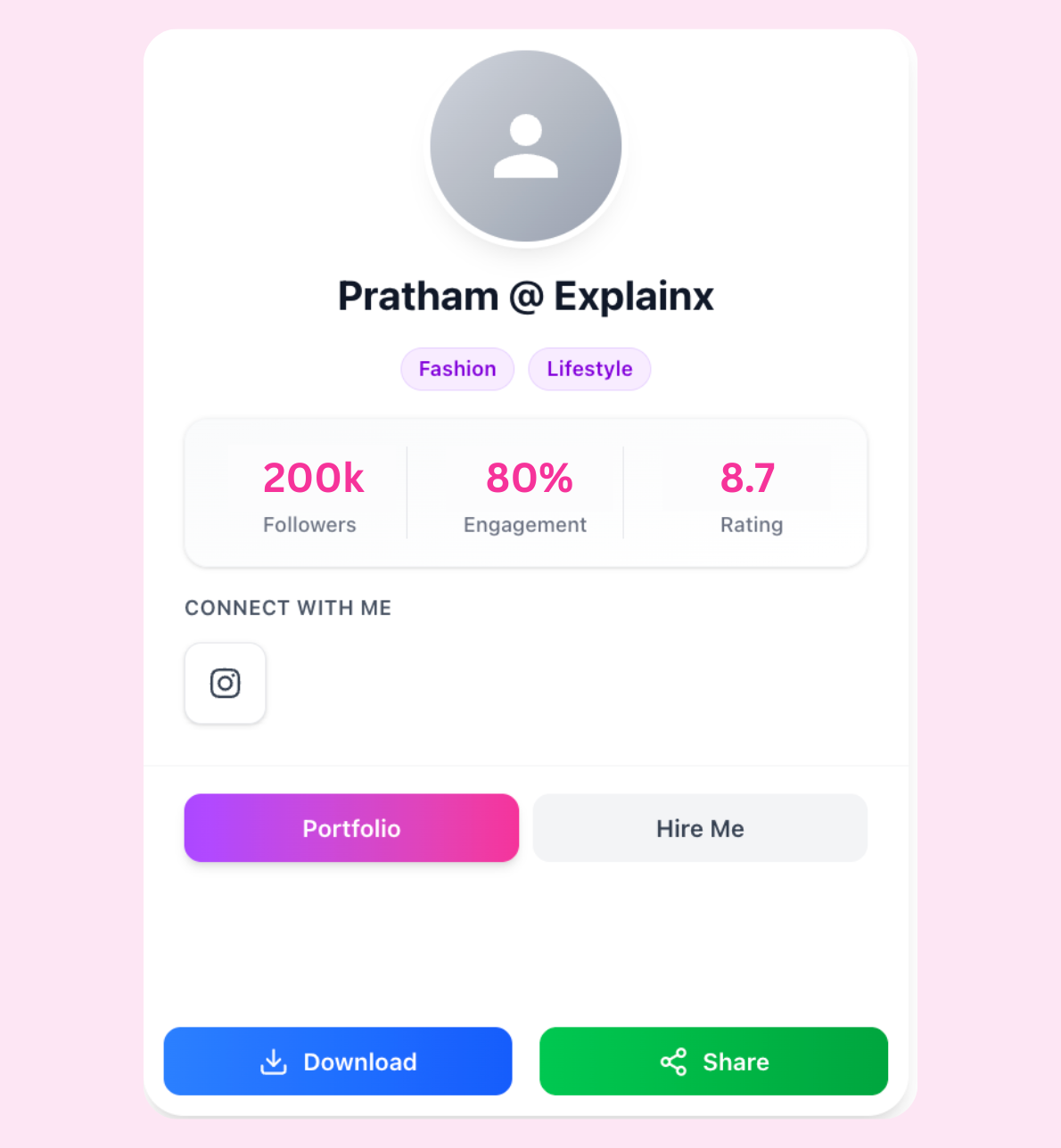
Creator Cards pull profile, performance, and collaboration history into a single view.
Enable the integration
- Navigate to Settings → Integrations → Creator Cards.
- Connect your data source and grant the requested scopes.
- Map fields to your Infloq creator profiles (e.g., reach, engagement rate, categories).
- Confirm sync and assign Creator Cards to the relevant teams and campaigns.
Usage tips
- Surface cards in campaign briefs to align expectations with collaborators.
- Use analytics filters to compare creator performance across campaigns.
- Pair with Workflows to route creator deliverables through the right approvers.